


Different network issues and its solution
Network issues are problems that affect a network’s performance, reliability, or security, and they cause a loss of productivity for users and businesses. These are some commonly encountered network issues and their resolving methods.
IP Address Conflict
When two or more devices have the same IP address, it is known as an IP address conflict. Every device in a network must have a unique IP address to communicate with each other, whether it is a laptop, camera, PC, IP phone, or any other network device. A router, firewall, Layer 3 switch, or DHCP server is responsible for assigning IP addresses in a network. IP address conflicts may lead to problems such as network disruption, communication issues, network instability, and security risks.
Resolving methods
- Always maintain proper IP allocation practices, such as reserving IPs in DHCP for critical devices or segregating static and dynamic ranges.
- On a Windows laptop or PC, open Command Prompt from Windows Search and type
ipconfig /release, thenipconfig /renew. These commands help release the old IP address and obtain a new one. - If you have a router or firewall, log in to the device using admin credentials, go to Network → DHCP Server, and remove or revoke the conflicted IP address.
- Adjust the DHCP server lease time.
DNS Issues
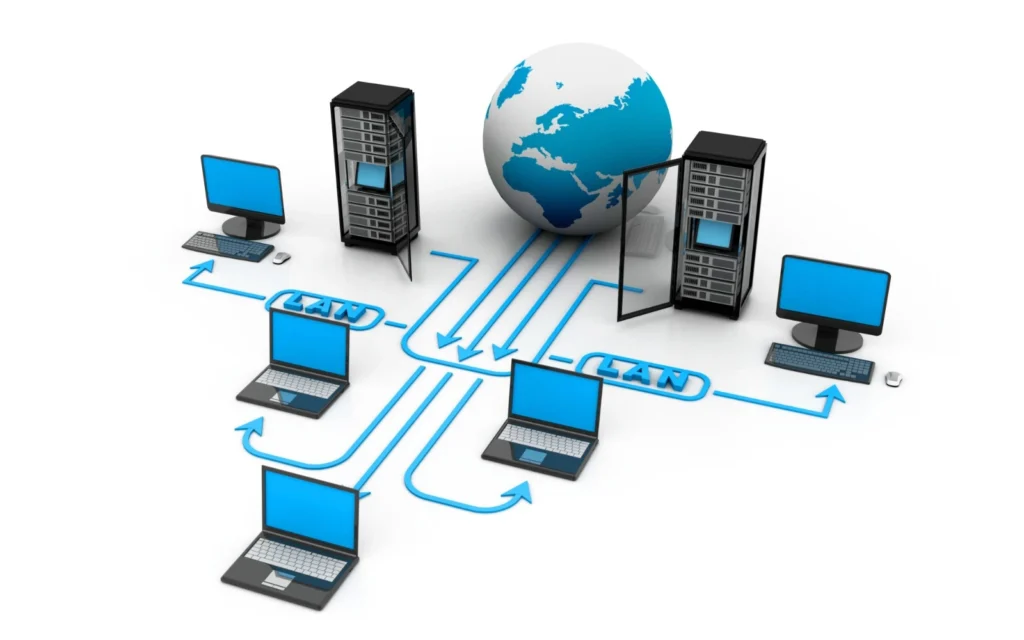
DNS (Domain Name System) is a directory of the internet that links domain names with IP addresses. DNS may face issues such as unstable website access, slow browsing, email issues, intermittent connectivity, and high latency.
Resolving methods
- Flush the DNS cache (open Command Prompt from Windows Search, type
ipconfig /flushdns, and press Enter). - Update or reinstall network drivers.
- Restart the router, firewall, or ISP devices.
- Check firewall settings.
- Switch the DNS server to 8.8.8.8 and 8.8.4.4 (Google DNS).
Rogue DHCP Server
A rogue DHCP server is an unauthorized server on a network that assigns IP addresses to devices. It can cause issues such as IP conflicts, connectivity problems, network instability, and security risks.
Resolving methods
- Identify the rogue DHCP server and disconnect it from the network.
- There are several ways to detect a rogue server. A common method is to find a workstation that is having issues connecting to network resources, check the device’s IP address, and determine whether the IP address is in a different scope. Identify the gateway using any IP scanner software, note the MAC address, then log in to the network switch and disable the port assigned to the gateway, or physically remove the cable from the switch.
- Disable the DHCP server on your main router or firewall. Now only the rogue server will be connected to the network. Connect your laptop to the switch using a LAN cable to identify the IP address of the rogue DHCP server.
- Configure DHCP snooping and enable STP on managed switches.
- Enable only required ports.
- Configure VLAN segregation.

Conclusion
Network issues are a common challenge in both small and large IT environments, and if not addressed promptly, they can significantly impact productivity, performance, and security. Problems such as IP address conflicts, DNS failures, VPN installation errors, and rogue DHCP servers are among the most frequently encountered issues in network operations. Understanding the root causes of these problems and applying appropriate troubleshooting techniques is essential for maintaining a stable and secure network.
A network is a system of interconnected devices that communicate and share resources, enabling data exchange and collaboration across various platforms. Network issues are problems that affect a network’s performance, reliability, or security, and they cause a loss of productivity for users and businesses.
FSI Information Technology is a leading IT AMC provider which helps companies in Dubai to resolve network problems. Also, FSI Information Technology will offer services such as Cisco support, call center solutions and dialer solutions.
