


If you have a business in the UAE, your data is one of the most important things you have. Things like invoices, client records, project files, and financial reports. When a hard drive starts to give you trouble, it is not a problem for the people who handle the computers; it is a big risk for your business. That is why a lot of companies in the city use computer repair services in Dubai to find problems before a hard drive that is not working right becomes a big disaster, and you lose all your data.
The hard part is that hard drives do not usually just stop working without giving you any warning. They usually give you some small signs that people often ignore and think are just a small problem. In this guide, we will go over the five common signs that something is wrong with your hard drive, what you should do as soon as you see these signs, and how to keep your business files safe before it is too late.
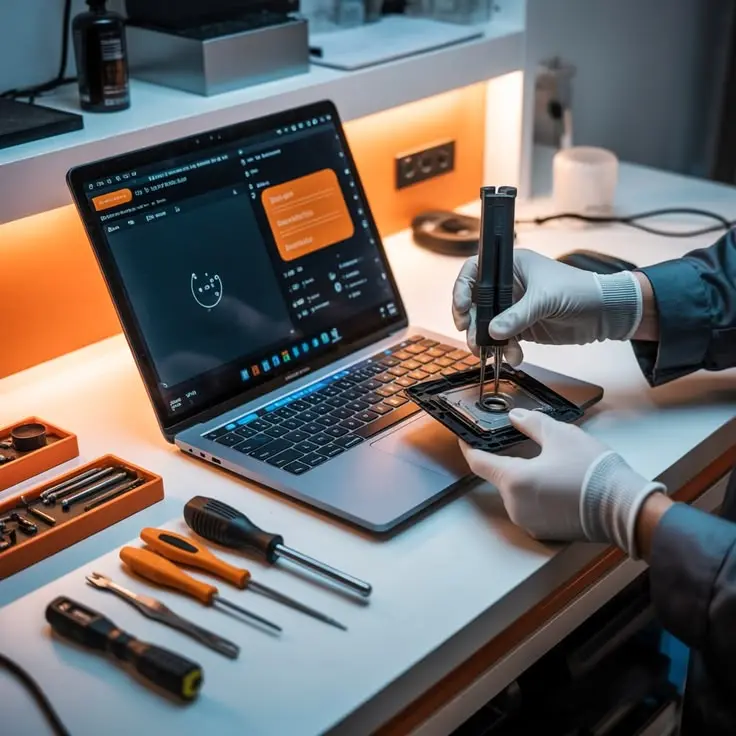
Why is it important to take care of your drive for your business
If a hard drive stops working, it can bring a whole department to a standstill. You might lose invoices, client contracts might be missing, or project files might be damaged. It can cause a lot of problems. It will take a lot of time and money to fix. This is where it is really helpful to have a partner for IT support services in Dubai. Not just fix problems after they cause trouble, but also watch your systems and find problems while they are still small and can be fixed.
5 Warning Signs Your Hard Drive Is Failing
Knowing the common hard drive failure signs can save you hours of stress — and possibly your entire database. Here’s what to watch for.
1. Strange Clicking or Grinding Noises
If your computer starts making a clicking, grinding, or whirring sound it never used to make, that’s your hard drive’s read/write head struggling to do its job. This is one of the clearest physical signs of a drive on its way out, and it usually means the damage is mechanical rather than something you can fix with software.
2. Frequent Freezing or Crashing
Occasional freezing happens to every computer now and then. But if your system is freezing multiple times a day or crashing during simple tasks like opening a spreadsheet or browsing the web, your drive may be struggling to read data properly.
3. Files Disappearing or Becoming Corrupted
Have you noticed files that won’t open, folders that look empty when they shouldn’t be, or documents that suddenly show gibberish instead of your content? This is a strong signal that bad sectors are forming on your drive, and it tends to get worse quickly.
4. Slow Performance That Keeps Getting Worse
Every hard drive slows down a little with age, but a sudden and dramatic drop in speed, long boot times, sluggish file transfers, and programs taking forever to open are different. It’s often one of the earliest hard drive failure signs, appearing well before the more dramatic symptoms show up.
5. Blue Screen Errors or Failure to Boot
This is the big one. If your system throws blue screen errors regularly or won’t boot at all, your drive may already be in critical condition. At this stage, every minute you keep using the machine increases the risk of permanent data loss.
What To Do the Moment You Notice These Signs
Speed matters here. The moment you spot any of the signs above, take these steps:
- Stop using the drive immediately. Continuing to read or write data can push a failing drive past the point of recovery.
- Back up whatever you can right away. Copy critical files to an external drive or cloud storage while the drive is still partially functional.
- Avoid DIY recovery software on a physically damaged drive. If you hear clicking or grinding, software tools can actually make things worse.
- Call in professionals who specialise in hard drive data recovery, Dubai businesses can trust. A specialist can safely extract data even from drives that seem completely dead.
- Document what happened. Note down when the symptoms started — this information helps technicians diagnose the issue faster.
Acting quickly here is the difference between losing a few files and losing years of business records.
Hard Drive Replacement Dubai: When Repair Isn’t Enough
Sometimes a drive is too far gone to save, and the smarter move is a clean hard drive replacement Dubai businesses can rely on for a fresh start. This usually makes sense when:
- The drive is several years old and is already showing multiple warning signs
- Bad sectors keep reappearing even after data recovery
- The cost of continued repairs starts approaching the cost of a new drive
- Your business needs guaranteed uptime and can’t risk another failure
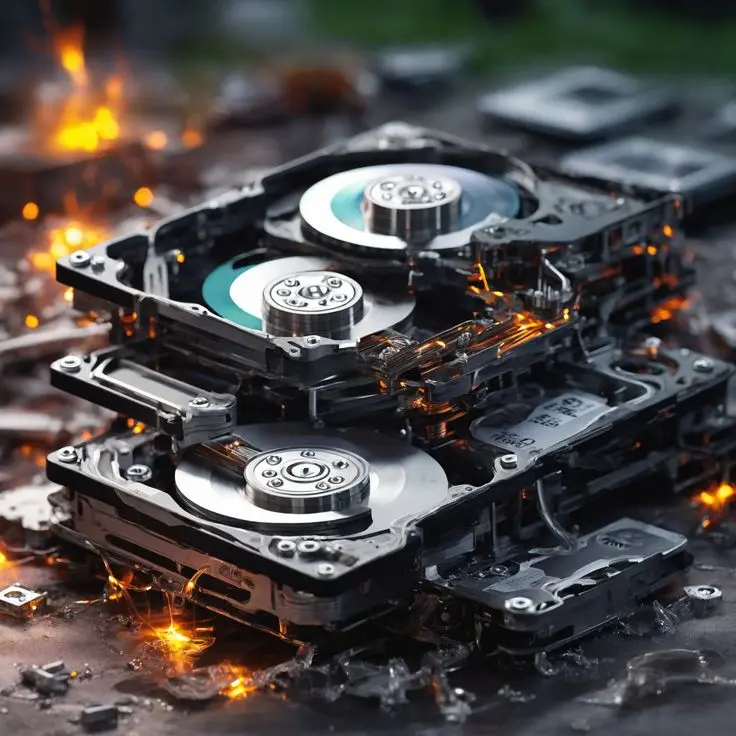
Pairing a replacement with an ongoing maintenance plan, like an IT AMC Dubai agreement, means your hardware gets checked regularly so you’re not caught off guard again. Many businesses in the region also look into a broader IT Annual maintenance contract in Dubai to keep all their systems, not just storage, running smoothly year-round.
How Professional Computer Repair Services in Dubai Can Help
This is exactly where working with experienced computer repair services in Dubai pays off. A good technician doesn’t just replace the failing part — they diagnose the root cause, recover whatever files are salvageable, and help you set up safeguards so it doesn’t happen again.
Reliable computer repair services in Dubai teams typically offer the following:
- Fast diagnostics to confirm whether it’s a hardware or software issue
- Safe, professional-grade data recovery techniques
- Genuine replacement parts with proper testing before handover
- Guidance on backup systems and hardware upgrades
If your business handles sensitive client or financial data, it’s also worth reviewing your setup with a provider offering IT System Security Dubai services. A failing drive is stressful enough without worrying about who else might get access to your files during the recovery process.
And if your team regularly runs into small IT issues beyond just hardware, having access to an IT Service Desk in Dubai means someone is always on hand to help, rather than scrambling to find support when something breaks.
Preventing Future Hard Drive Failures
Once you’ve dealt with a failing drive, the next step is making sure it doesn’t happen again. A few practical habits go a long way:
- Set up automatic daily backups, both locally and in the cloud
- Monitor drive health using built-in diagnostic tools
- Keep your systems in a cool, dust-free environment
- Avoid sudden power cuts — invest in a reliable UPS
- Schedule regular hardware check-ups instead of waiting for something to break
For businesses managing multiple devices or offices, it’s often more practical to bring in IT managed services in Dubai so that monitoring, backups, and maintenance all happen behind the scenes, without your team having to think about it.
If you want to understand the technical side of drive reliability in more depth, Backblaze’s annual hard drive reliability report is a widely cited, data-driven resource that tracks real-world failure rates across thousands of drives — a good read if you’re curious about which factors actually predict failure.
Conclusion
A failing hard drive rarely fails silently; it gives you warnings first, whether those are odd noises, sluggish performance, or files that just won’t open. Catching these hard drive failure signs early is what separates a minor inconvenience from a genuine business crisis.
Whether you need urgent hard drive data recovery Dubai support, a straightforward hard drive replacement Dubai solution, or ongoing protection through trusted computer repair services in Dubai, the key is not waiting until it’s too late. If you’re noticing any of the signs mentioned above, don’t wait for the drive to fail completely contact us for a free consultation and let’s get your business’s data protected today.
FAQ
Most hard drives last between three and five years with normal use, though this varies depending on usage patterns, heat exposure, and build quality.
Often, yes. Professional data recovery specialists can sometimes retrieve data even from drives that don’t power on, though success depends on the extent of the damage.
No. Clicking noises usually indicate mechanical damage, and continuing to use the drive increases the risk of permanent data loss.
Repair addresses specific fixable issues, while replacement means swapping out the entire drive — usually the better option when a drive is old or repeatedly failing.
Daily backups are recommended for active business data, ideally with both a local copy and a cloud copy for extra protection.
Yes, a sudden and significant slowdown is one of the earliest hard drive failure signs, especially when it happens without any other obvious cause.
Not exactly. SSDs don’t have moving parts, so they won’t click or grind, but they can still fail suddenly, often with less warning than mechanical drives.
Costs vary widely depending on the extent of damage and urgency, which is why it’s best to get a proper diagnosis and quote before deciding on a recovery approach.
